

Descripción
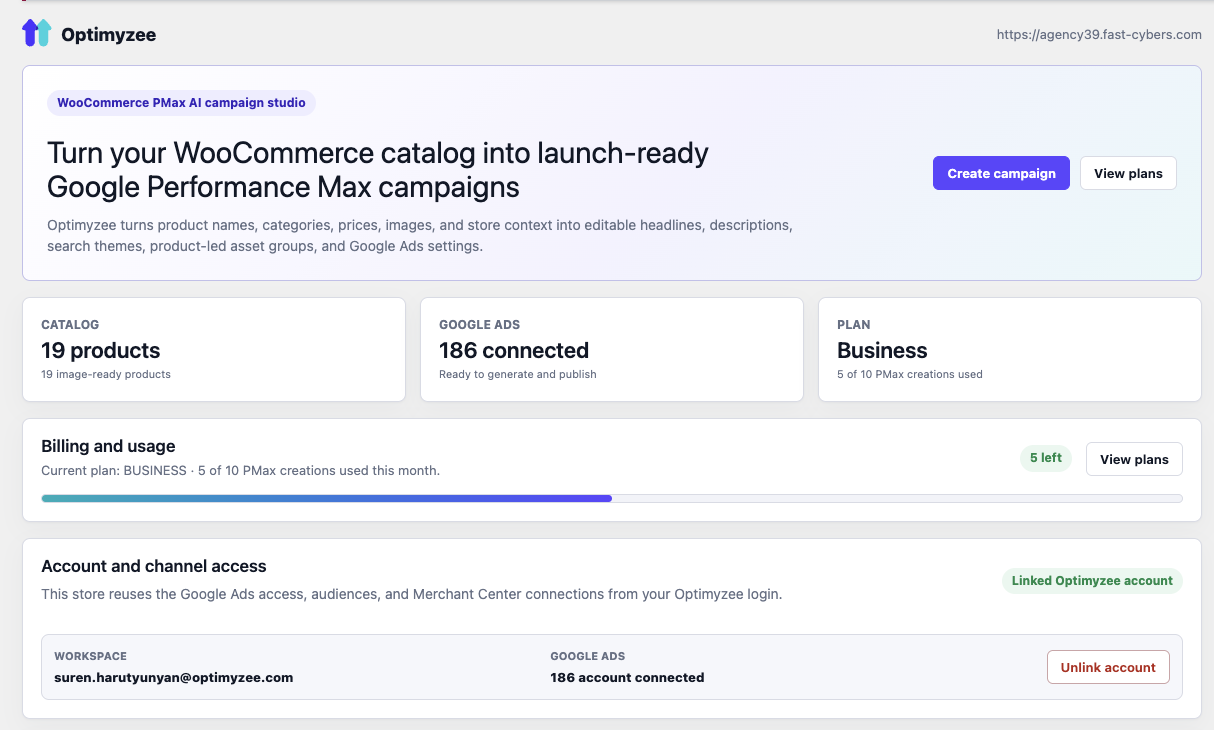
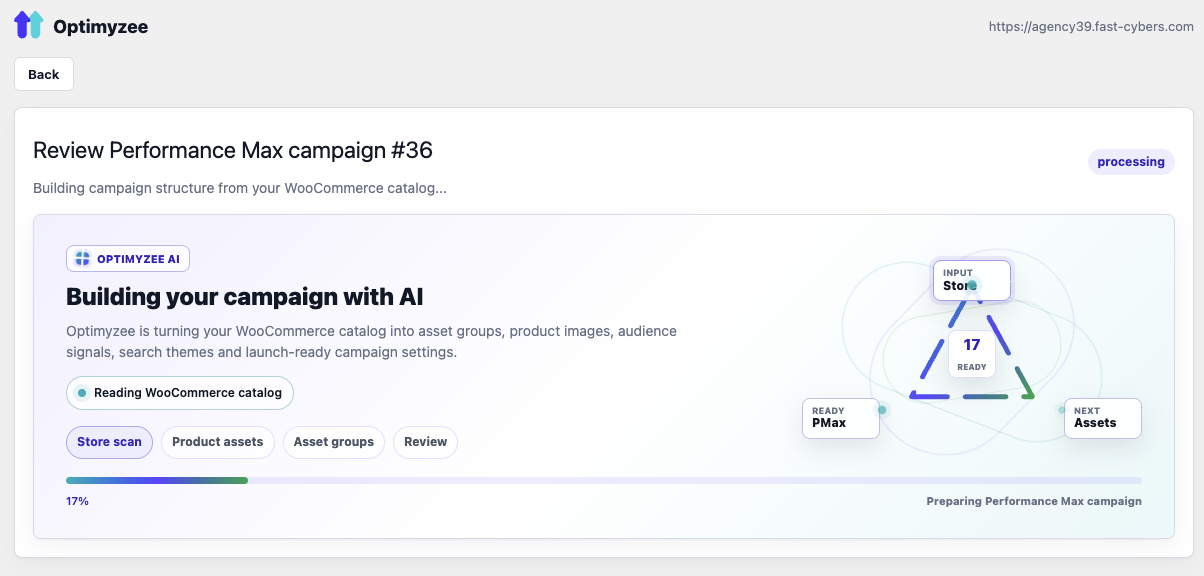
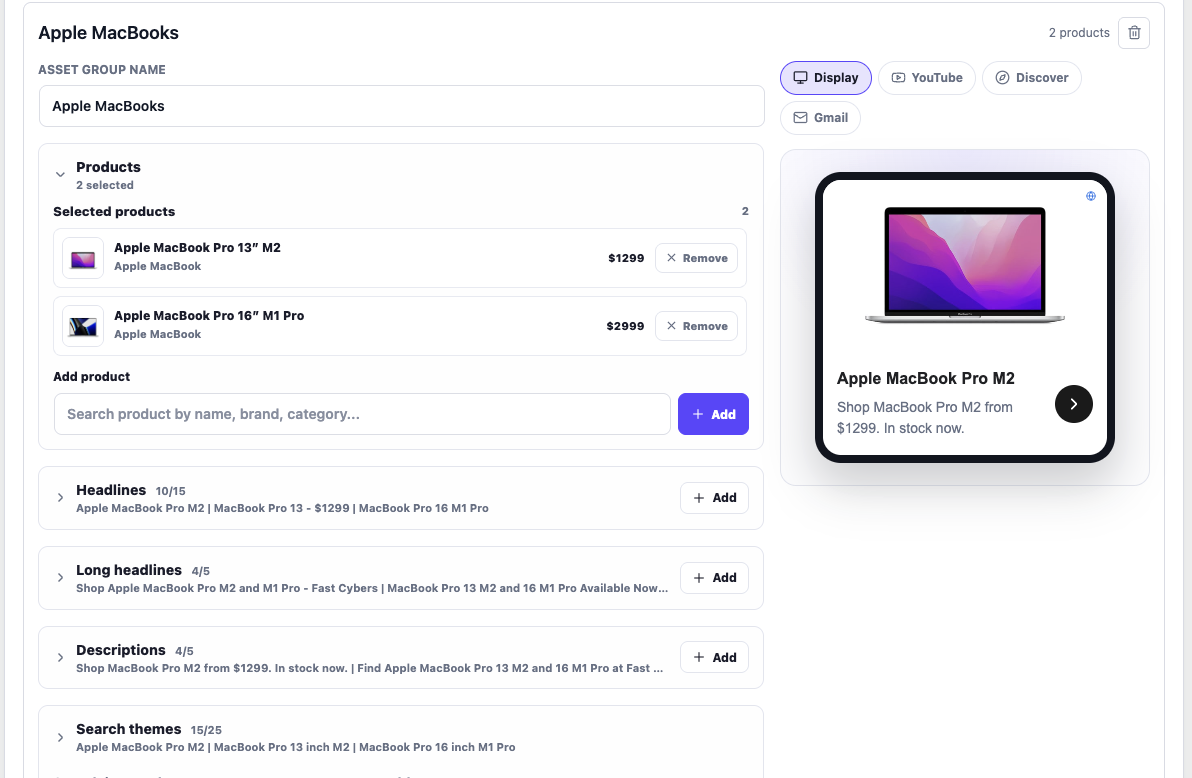
Optimyzee turns your WooCommerce catalog into ready-to-launch Google Ads Performance Max (PMax) campaigns. The AI reads your products and drafts asset groups, headlines, long headlines, descriptions, search themes and audience signals — grounded in your real catalog and product feed. You review and edit everything with live multi-surface ad previews (Search, Display, YouTube, Discover, Gmail), then publish straight to your own Google Ads account.
This is the WooCommerce counterpart of the Optimyzee Shopify app — same Optimyzee backend and the same flow: connect create review publish.
Features:
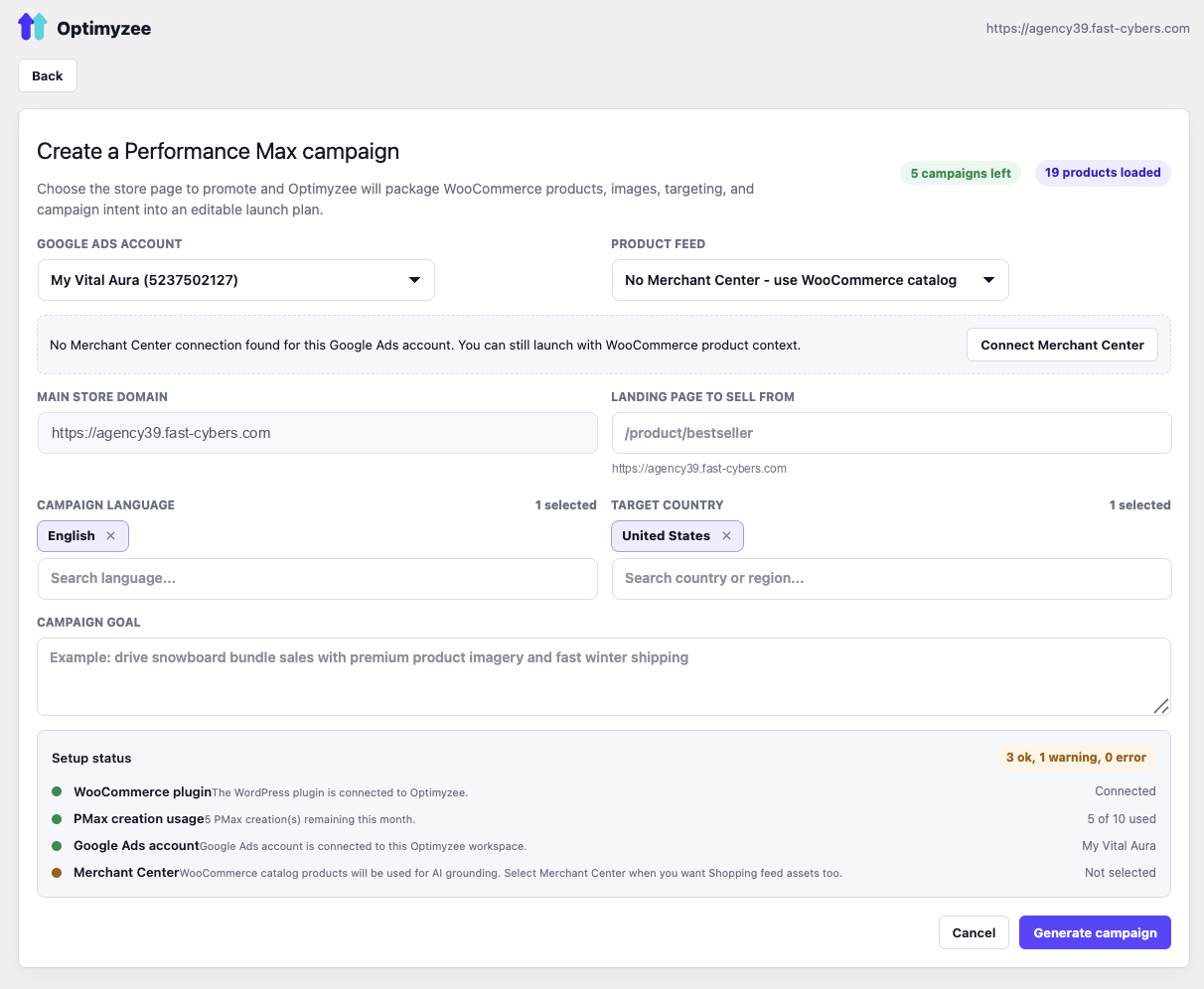
- Build Google Ads Performance Max campaigns from your WooCommerce products — no separate product feed setup required for asset quality.
- AI-generated asset groups, headlines, long headlines, descriptions and search themes, grounded in your real catalog.
- Editable review with live ad previews for Search, Display, YouTube, Discover and Gmail before you publish.
- Optional Google Merchant Center connection for Google Shopping assets.
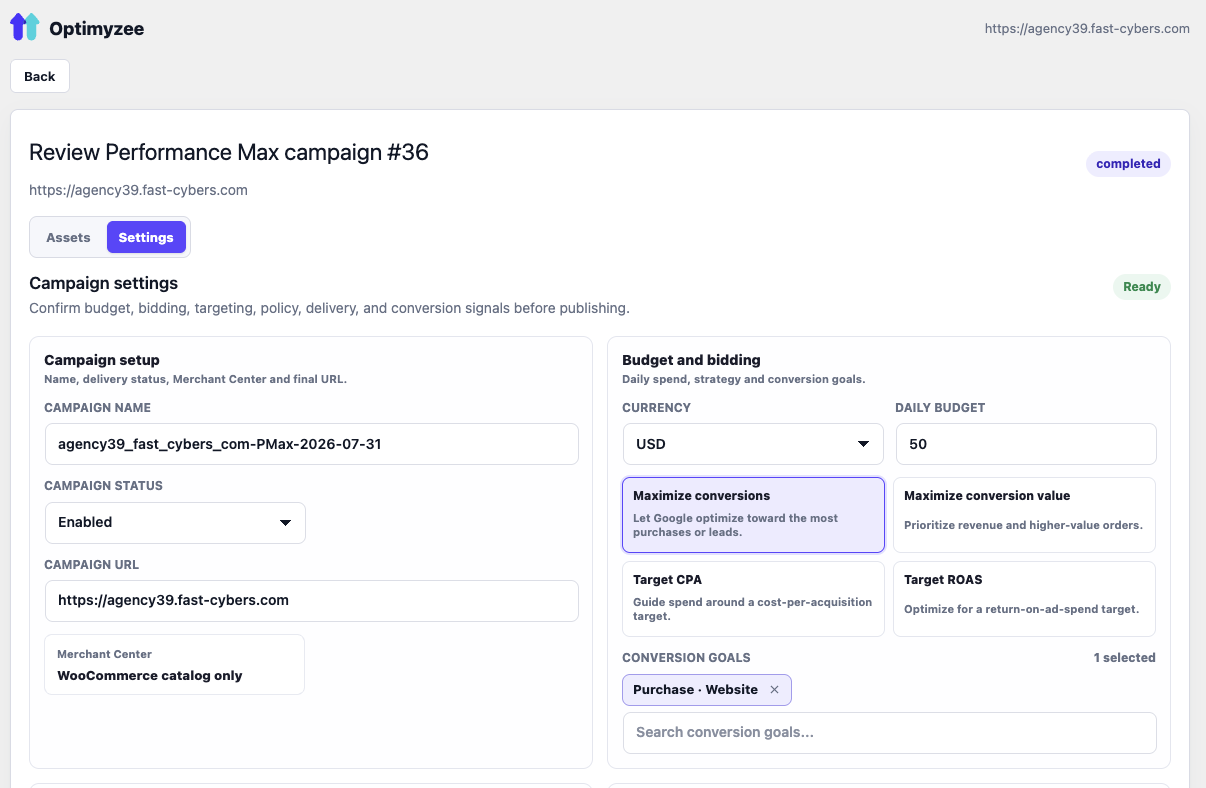
- Set budget, bidding strategy and conversion goals, then publish to your own Google Ads account.
- Runs entirely inside wp-admin.
External services
This plugin connects to the Optimyzee SaaS API at https://api.optimyzee.com.
The service is used to:
- Connect the WooCommerce store to an Optimyzee account.
- Build AI-generated Google Performance Max campaign drafts.
- Connect Google Ads and Merchant Center accounts through Optimyzee.
- Publish reviewed campaign drafts to Google Ads.
When you use the plugin, the following data may be sent to Optimyzee:
- Store URL, site identifier and administrator email during the connect flow.
- WooCommerce product titles, descriptions, categories, brands, prices, availability, product URLs and image URLs.
- Campaign settings, selected products, uploaded image URLs and Google Ads account selections.
No customer order data or customer personally identifiable information is sent by this plugin.
Optimyzee terms: https://www.optimyzee.com/terms-of-service
Optimyzee privacy policy: https://www.optimyzee.com/policy
Some functionality requires an Optimyzee account and may require a paid Optimyzee subscription.
Source code
The admin app is built from the React source included in source/react.
The production bundle is included in assets/app.js and assets/app.css.
Build steps:
- Go to
source/react. - Install dependencies with
npm install. - Run
npm run build. - The build writes
app.jsandapp.cssinto the pluginassets/directory.
Capturas
Instalación
- Upload the plugin to
/wp-content/plugins/optimyzee-for-woocommerceor install it from the Plugins screen. - Activate it (WooCommerce must be active).
- Open Optimyzee in the wp-admin sidebar and click Connect Optimyzee.
Preguntas frecuentes
-
Does it need Merchant Center?
-
No — the catalog is read locally to ground the AI. Google Shopping listings themselves still come from Google Merchant Center if you connect one.
-
Where does my data go?
-
Product data and campaign drafts are processed by the Optimyzee backend (api.optimyzee.com) to build campaigns. No customer PII is collected.
Reseñas

Colaboradores y desarrolladores
Este software es de código abierto. Las siguientes personas han contribuido a este plugin.
Colaboradores
Traduce “Optimyzee for WooCommerce – AI Google Ads & Performance Max Campaign Builder” a tu idioma.
¿Interesado en el desarrollo?
Revisa el código, echa un vistazo al repositorio SVN o suscríbete al registro de desarrollo por RSS.
Registro de cambios
0.1.0
- Initial scaffold: connection, catalogue bridge, admin page, backend proxy.