

Descripción
This plugin connects to the Email Machine API to synchronize data from your WordPress site. It can transfer WordPress users, WooCommerce customers, and Contact Form 7 submissions to the Email Machine platform for email marketing and automation purposes.
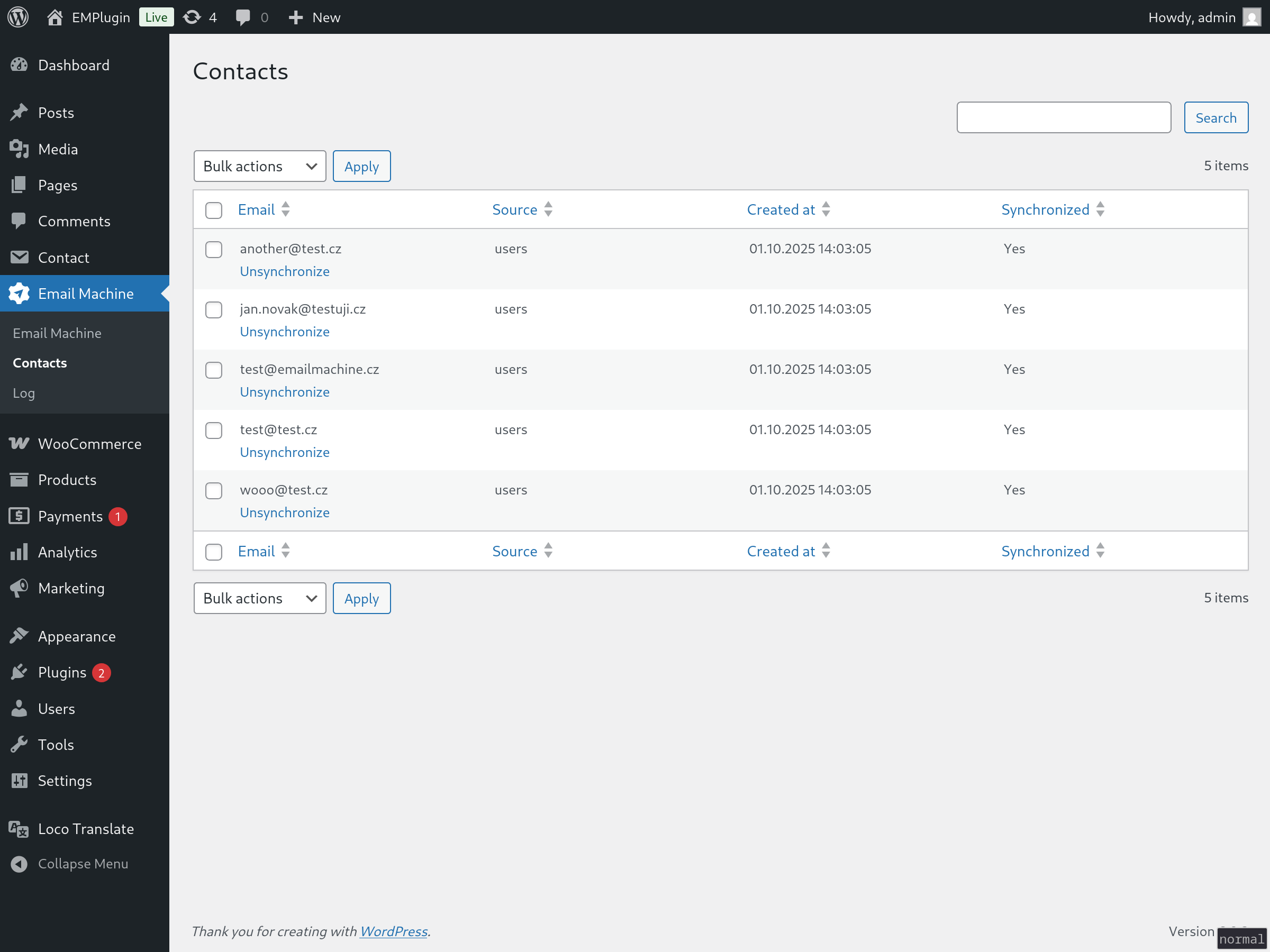
It sends user data whenever synchronization occurs (can be setup as manual sync or automatic sync whenever new contact is added). The email field is required for all records. Additional fields can be optionally mapped and sent based on your configuration settings.
Supports:
- WordPress users
- Woocommerce customers
- Contact Form 7 submissions
- Implement your own using provided hooks
Available filters
emaima_contact_data
$filtered_data = apply_filters('emaima_contact_data', [
            'ID' => $this->ID,
            'email' => $this->email,
            'source' => $this->source,
            'source_ID' => $this->source_ID,
            'source_note' => $this->source_note,
            'created_at' => $this->created_at,
            'synced_at' => $this->synced_at,
            'sync' => $this->sync,
            'fields' => $this->fields
        ], $this);
You can manipulate the contact data with this filter.
Available hooks
emaima_before_save_contact
emaima_after_save_contact
emaima_before_sync_contact
emaima_after_sync_contact
emaima_before_unsync_contact
emaima_after_unsync_contact
These are self explanatory, you can run your own code in these actions.
Available actions
emaima_create_contact
You can add contact with this action. Default data are:
$contact_data = [
            'email' => 'john@doe.com', // email, required
            'source' => 'my_table', // name of the source (table in db, or other), 'custom' if empty
            'source_ID' => 3, // ID of the source, mostly ID of row in the db
            'source_note' => '', // note
            'fields' => [] // contact fields, array of key => value pairs
];
External services
This plugin uses a third party service “Email Machine” (endpoint: app.emailmachine.cz: Terms and Conditions, Privacy Policy.
Capturas
Instalación
- Upload
email-machineto the/wp-content/plugins/directory - Activate the plugin through the ‘Plugins’ menu in WordPress
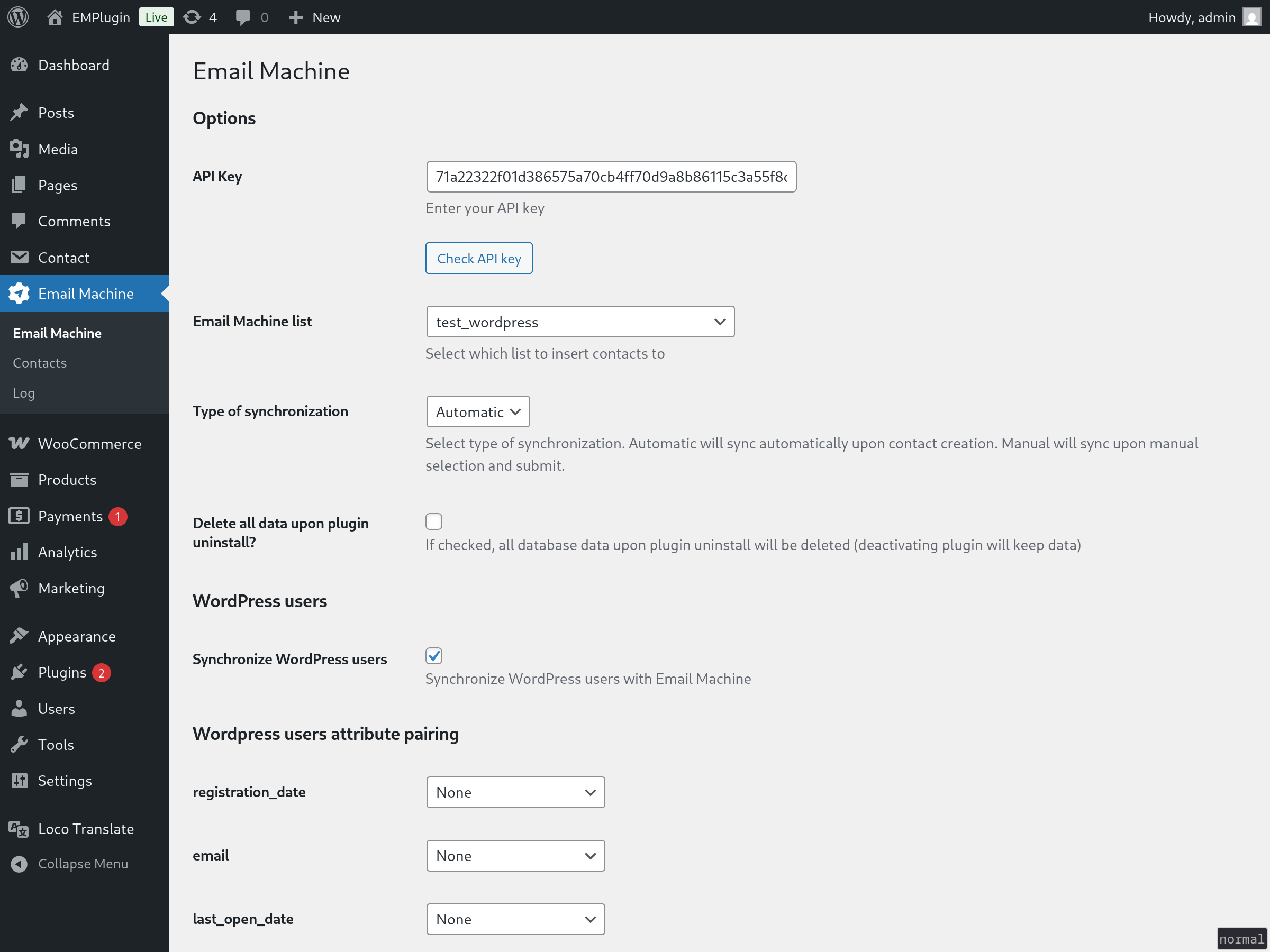
- Insert API key in the plugins settings page
- Choose EmailMachine list to synchronize to
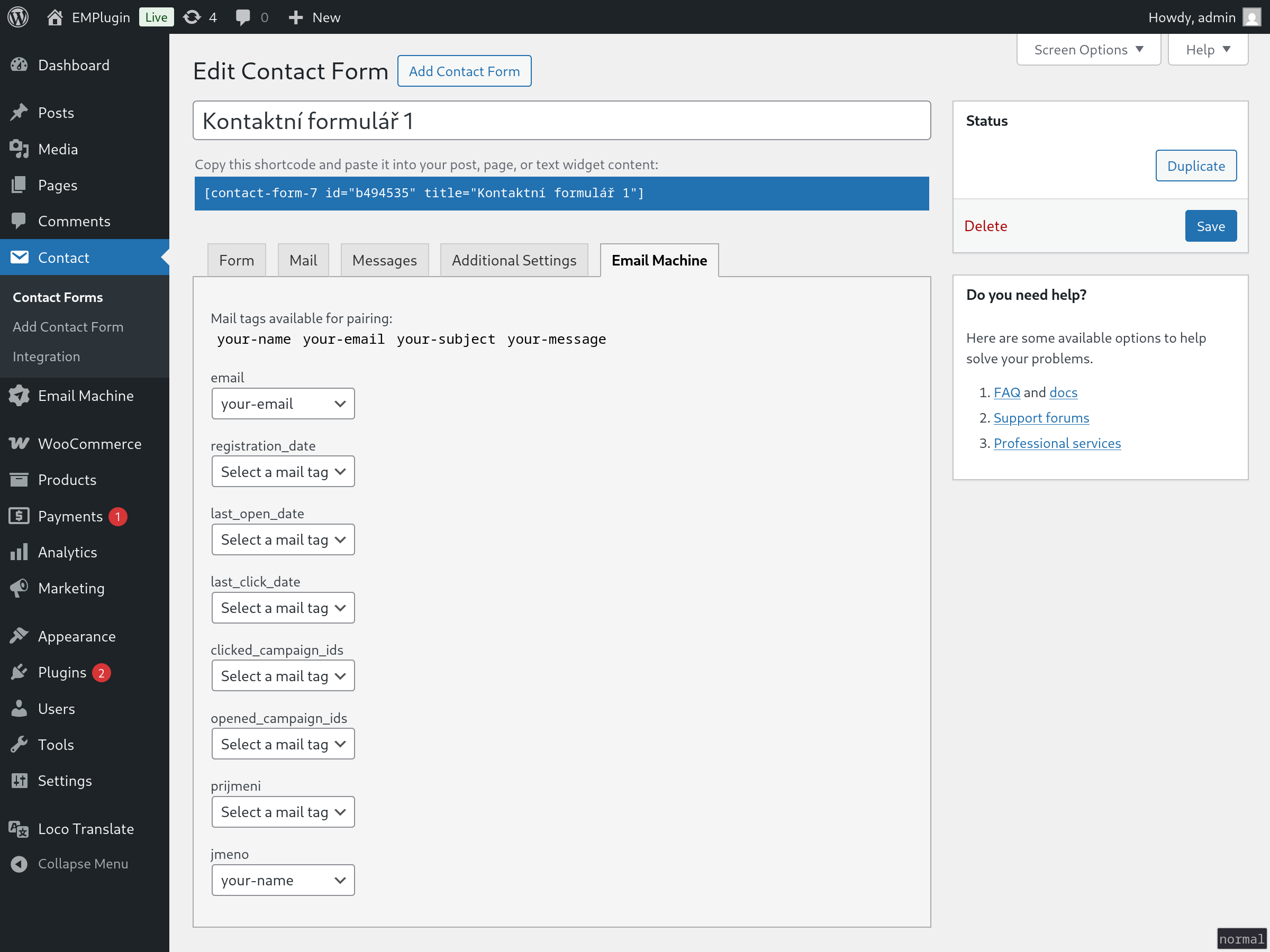
- Optionally pair additional attributes in Settings page or Contact Form 7 pages
Preguntas frecuentes
-
Where do I get EmailMachine API key?
-
Register with EmailMachine here. You can then get API key in the
settings portion of the app.
Reseñas
No hay reseñas para este plugin.
Colaboradores y desarrolladores
Este software es de código abierto. Las siguientes personas han contribuido a este plugin.
Colaboradores

“Email Machine” ha sido traducido a 1 idioma local. Gracias a los traductores por sus contribuciones.
Traduce “Email Machine” a tu idioma.
¿Interesado en el desarrollo?
Revisa el código, echa un vistazo al repositorio SVN o suscríbete al registro de desarrollo por RSS.
Registro de cambios
1.0.0
Initial version of plugin