

Descripción
Offload Media – Cloud Storage copies the files you upload to the WordPress Media Library to cloud storage and serves them from there. Images, videos, PDFs and other attachments load from your Amazon S3, Google Cloud Storage, Cloudflare R2 or DigitalOcean Spaces bucket, or from a CDN in front of it.
Serving media from the cloud takes load and disk usage off your web server, and a CDN delivers files from locations closer to your visitors, which can help page speed.
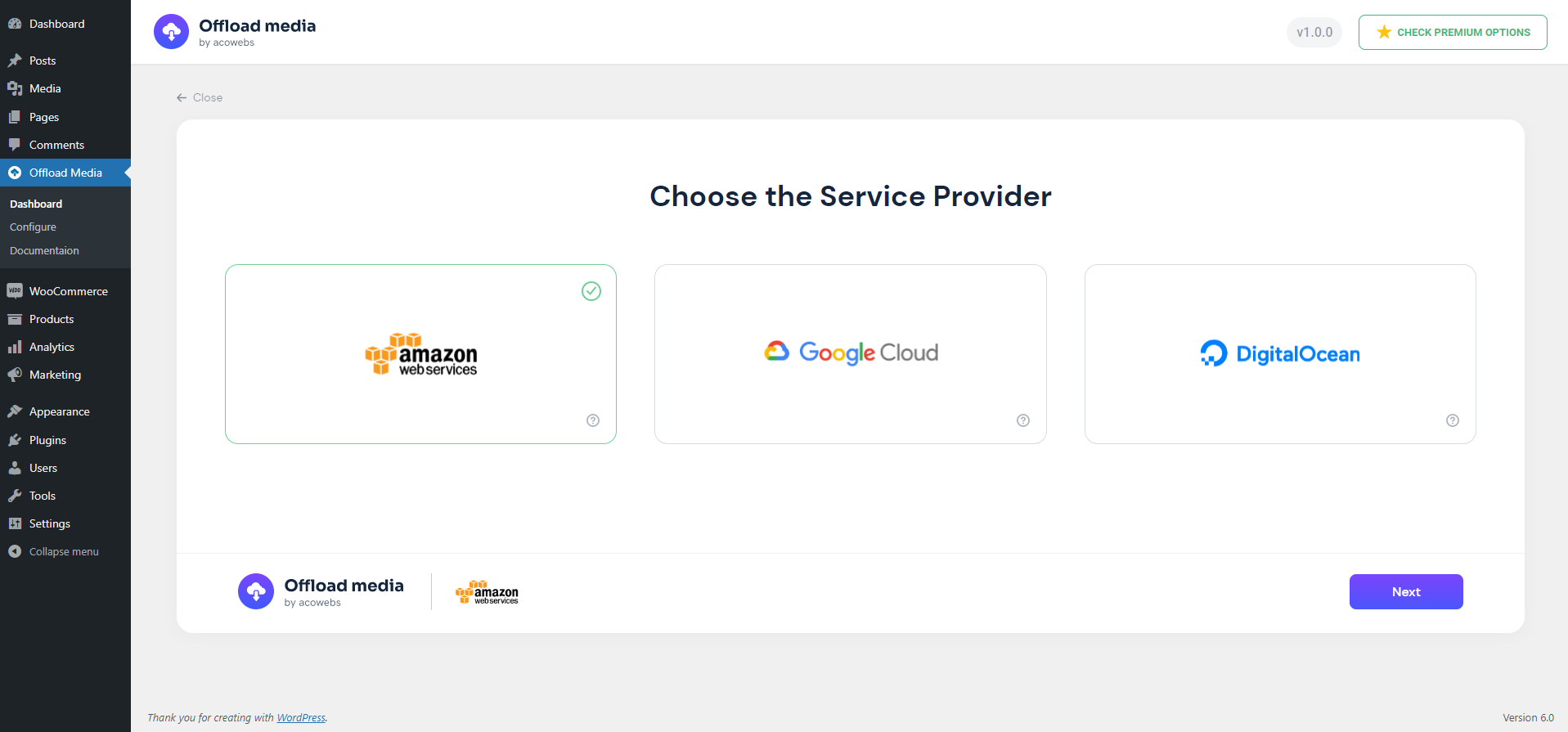
Supported cloud storage providers
- Amazon S3 (including buckets with ACLs disabled)
- Google Cloud Storage (including buckets with uniform bucket-level access)
- Cloudflare R2
- DigitalOcean Spaces
Features
- Automatic offloading: new Media Library uploads are copied to your bucket, including every generated image size and the original image.
- URL rewriting: media URLs in posts, pages, image srcsets and the block editor point to the cloud. Post content keeps local URLs in the database, so your content stays intact if you turn the plugin off.
- CDN support: serve files through a custom CDN or endpoint URL, such as Amazon CloudFront or a Cloudflare domain.
- Pre-signed URLs: serve files through expiring, signed URLs with a configurable lifetime.
- Save disk space: optionally remove local copies once files are in the cloud.
- Folder structure: set a base path and keep WordPress year/month folders.
- Object versioning: add a unique prefix to file paths to avoid stale CDN caches (Amazon S3, Google Cloud Storage, DigitalOcean Spaces).
- Stays in sync: edited images and regenerated thumbnails are offloaded again, and deleting media also removes it from your bucket.
- Reliable background uploads: offloading runs in a queue with automatic retries, so busy uploads and temporary provider errors do not leave files behind.
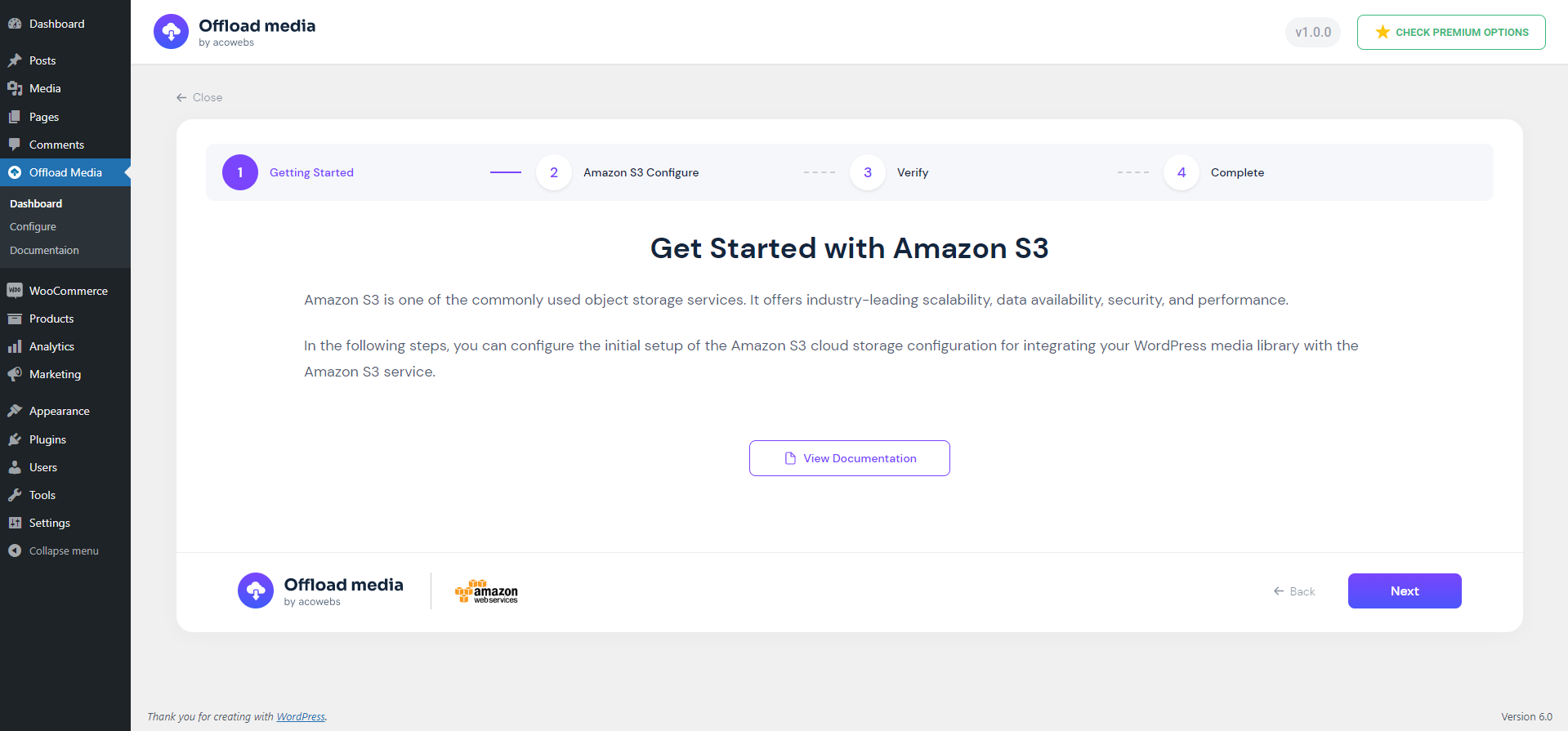
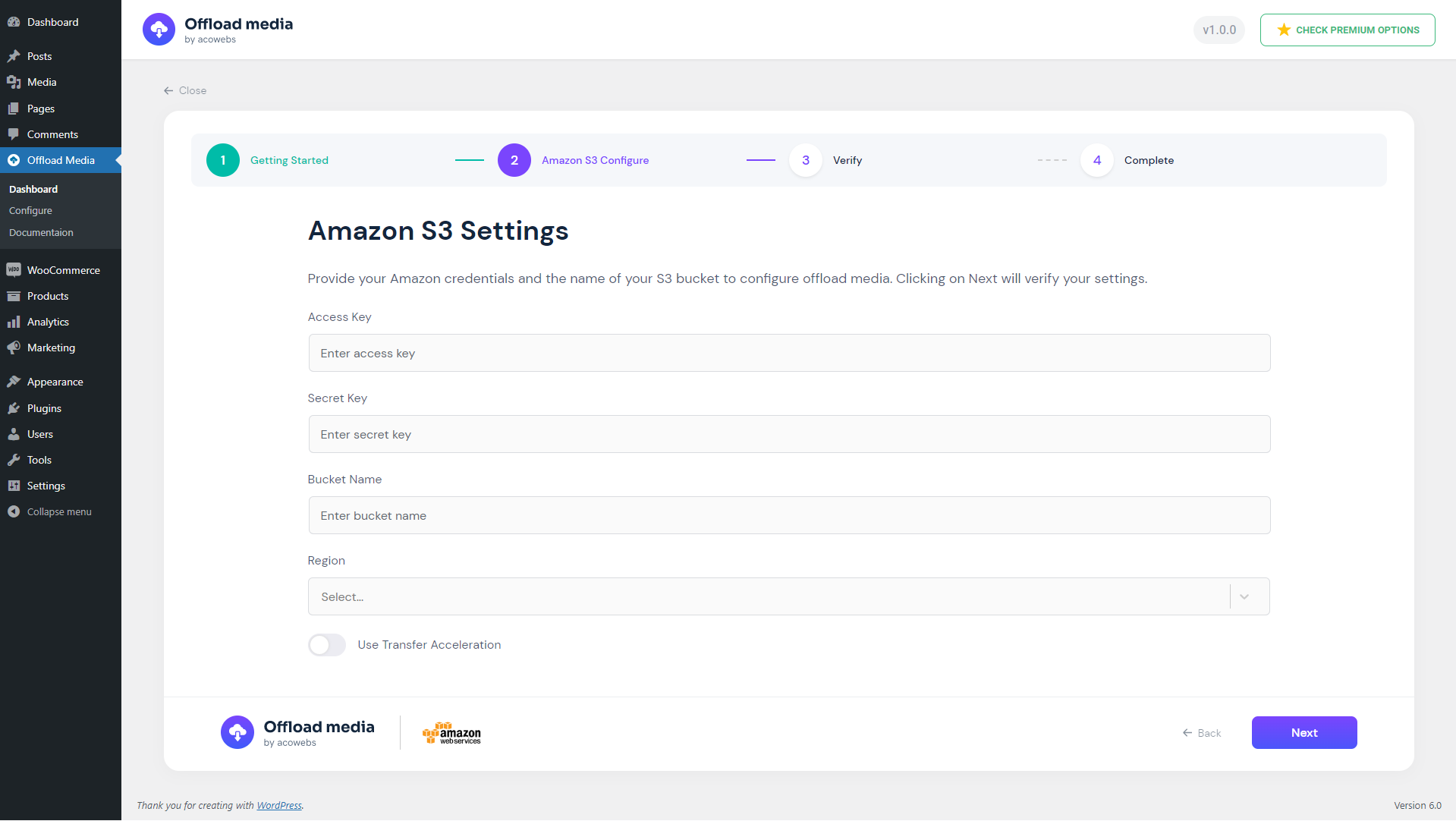
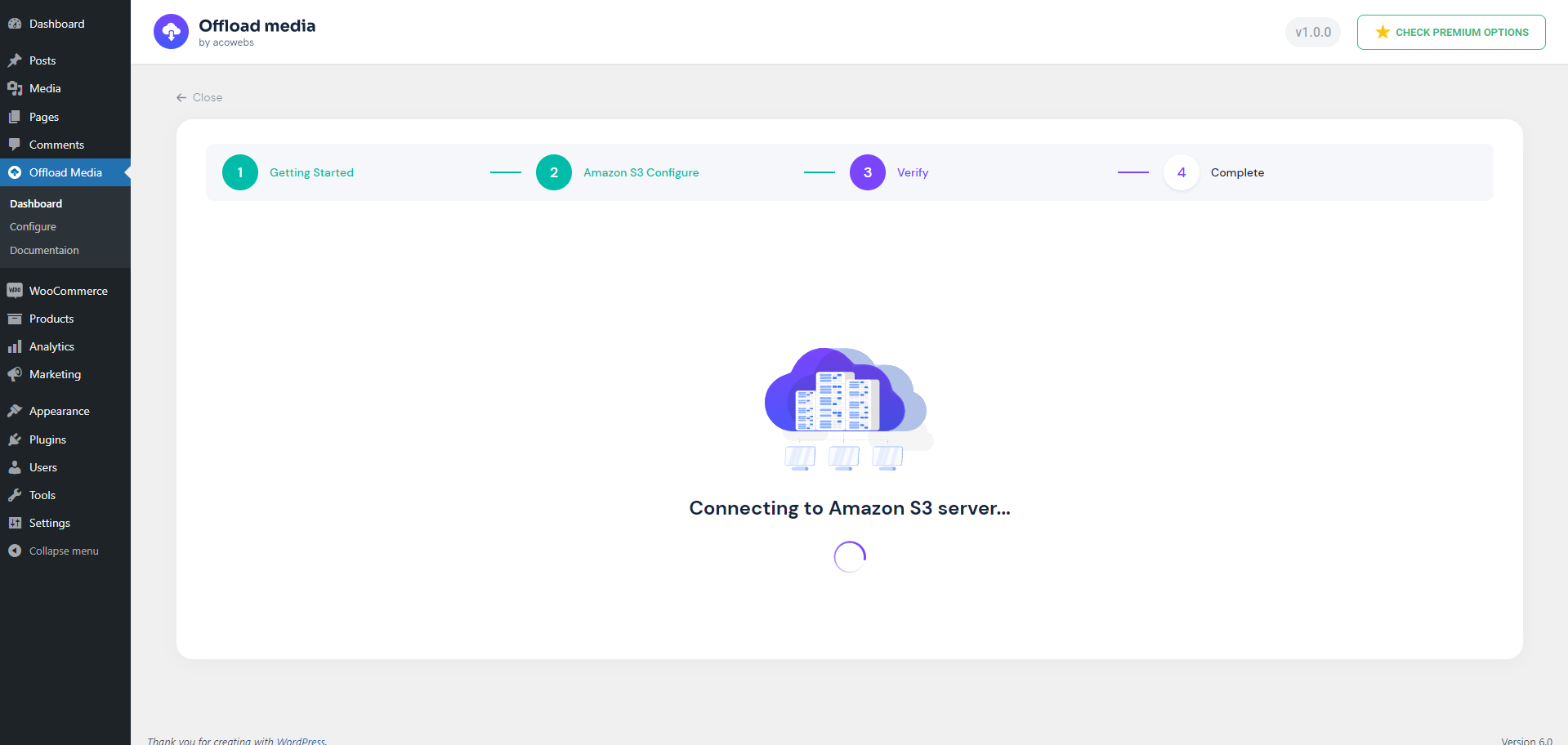
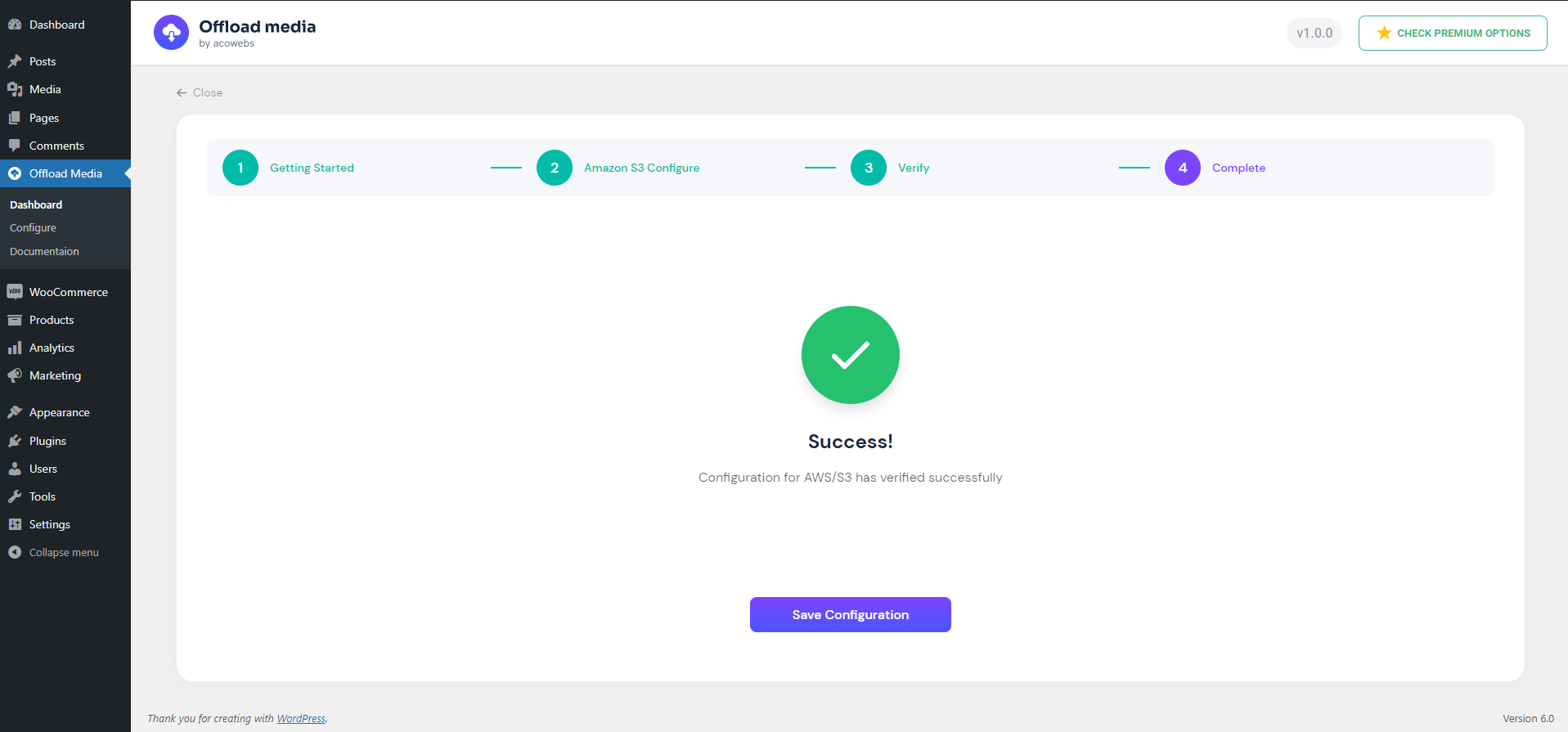
- Guided setup: a configuration wizard verifies your credentials, can create a new bucket, and lets you keep access keys in wp-config.php.
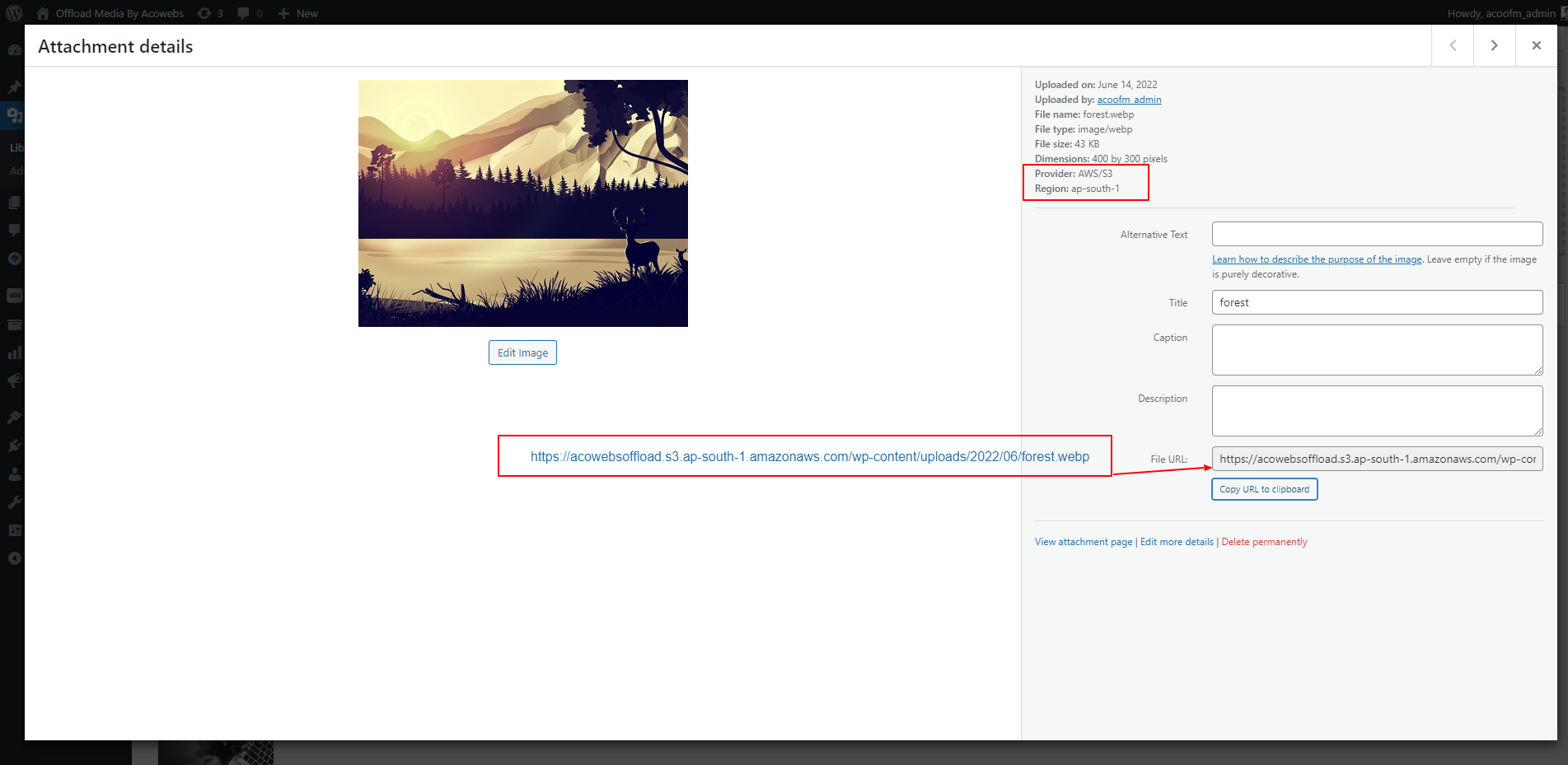
- Offload details: the attachment details screen shows each file’s provider, region and access.
- Works with WooCommerce product images and other themes and plugins that use the standard WordPress media functions.
- Translation-ready.
Pro version
Offload Media – Cloud Storage Pro adds:
- More providers: Wasabi, MinIO and other S3-compatible storage.
- Bulk tools: offload your existing Media Library, remove local copies, or download files back to your server in bulk.
- Media Library tools: an offload status column and per-file actions to sync, remove or download files.
- Image optimization: image compression with original backups, and WebP generation, offloading and delivery.
- WooCommerce: WooCommerce downloadable product files served from your bucket.
- Troubleshooting tools: connection, media and delivery checks, cache clearing, and import of data from earlier versions.
Useful links
External services
This plugin connects to the Acowebs Feedback API (https://audience.acowebs.com), run by Acowebs. Nothing is sent on activation, on page load or in the background: data is sent only after an administrator clicks a button.
- Deactivation feedback: when you deactivate the plugin, a short optional survey opens. Only if you click “Send & deactivate”, the plugin sends your answer and details, your site address, site name and language, the plugin name, edition and version, and your WordPress, WooCommerce and PHP versions. Your name and email are included only while “Acowebs can contact me about this feedback” is ticked. “Skip & deactivate” sends nothing.
- Newsletter signup: a dismissible notice on the Dashboard and the plugin’s settings page invites you to join the Acowebs newsletter. Only if you click “Subscribe”, the plugin sends the email address you entered, your first name and phone number if you filled them in, your site address and site name, and the plugin name and edition. “Not now” hides the notice for good and sends nothing.
Acowebs privacy policy: https://acowebs.com/privacy-policy/
Capturas

Instalación
- In your WordPress dashboard, go to Plugins > Add New, search for “Offload Media – Cloud Storage”, then install and activate it. You can also upload the ZIP file under Plugins > Add New > Upload Plugin.
- Open Offload Media in the admin menu and choose your cloud storage provider.
- Enter your access keys (or a Google Cloud service account key file), or define them in wp-config.php.
- Choose an existing bucket or create a new one, then save once the credentials are verified.
- Review the settings: copying files to the bucket, URL rewriting, CDN, pre-signed URLs and removing local files.
New uploads are offloaded from then on.
Preguntas frecuentes
-
What does offloading WordPress media do?
-
It copies the files you upload to the Media Library to a cloud storage bucket and rewrites their URLs, so visitors load them from the cloud or your CDN instead of your web server. This reduces server load and, if you remove local copies, disk usage.
-
Which cloud storage providers are supported?
-
Amazon S3, Google Cloud Storage, Cloudflare R2 and DigitalOcean Spaces. The Pro version adds Wasabi, MinIO and other S3-compatible storage.
-
Are existing Media Library files offloaded?
-
The free version offloads new uploads, along with edited images and regenerated thumbnails. To offload media uploaded before the plugin was installed, use the bulk offload tool in the Pro version.
-
Can I serve media through a CDN such as CloudFront or Cloudflare?
-
Yes. Enable “CDN / Custom End Point” in the settings and enter your CDN URL. Media URLs then use that domain.
-
Can I delete local files after they are offloaded?
-
Yes. Enable “Remove files from server” and local copies are deleted once their upload to the bucket is confirmed. Before turning off the plugin, make sure the files are available on your server again, because WordPress will then serve them locally.
-
What happens if I deactivate the plugin?
-
Post content is saved with local URLs, so pages keep working and your media is served from your server again. Files stay in your bucket. If you removed local copies, download them back to your server first.
-
Do my files need to be public?
-
Files are served by their public URL unless you enable pre-signed URLs, which give each file a signed link that expires after the time you set. On Amazon S3 buckets with ACLs disabled and Google Cloud buckets with uniform bucket-level access, grant public read access through the bucket policy or IAM, or use pre-signed URLs.
-
Where should I store my access keys?
-
You can enter them in the setup wizard, or define them in wp-config.php so they are not stored in the database. For Google Cloud Storage, wp-config.php holds the path to your service account key file. The wizard shows the code to add.
-
Does it work with WooCommerce?
-
Yes. WooCommerce product images use the standard WordPress media functions, so they are offloaded and served from the cloud like other media. The Pro version also serves WooCommerce downloadable product files from your bucket.
Reseñas


Colaboradores y desarrolladores
Este software es de código abierto. Las siguientes personas han contribuido a este plugin.
Colaboradores

“Offload Media – Cloud Storage” ha sido traducido a 7 idiomas locales. Gracias a los traductores por sus contribuciones.
Traduce “Offload Media – Cloud Storage” a tu idioma.
¿Interesado en el desarrollo?
Revisa el código, echa un vistazo al repositorio SVN o suscríbete al registro de desarrollo por RSS.
Registro de cambios
1.9.1
- Mejoras y corrección de errores
1.9.0
- WordPress 7.1 compatibility
- Reliable background offloading with automatic retries
- Block editor uploads use cloud URLs
- Google Cloud uniform bucket and S3 ACL-disabled bucket support
- Security improvements
- Corrección de errores
1.8.3
- Corrección de un error fatal de PHP al reescribir las URL de las imágenes en la API REST del editor de bloques
1.8.2
- Corrección de la advertencia de ID de cuenta de Cloudflare R2 sin definir durante la configuración
- Mensajes de error de credenciales de Cloudflare R2 mejorados
- Se elimina el uso no compatible de ACL de objetos en las subidas a Cloudflare R2
- Mejor visualización de los errores de verificación de credenciales en el asistente de configuración
1.8.1
- Compatibilidad con WordPress 7.0
- Mejoras y corrección de errores
1.7.0
- Compatibilidad con WordPress 6.9
- Mejoras y corrección de errores
1.6.0
- Compatibilidad con WordPress 6.8
- Mejoras y corrección de errores
1.5.1
- Compatibilidad con WordPress 6.8
- Mejoras y corrección de errores
1.5.0
- Compatibilidad con WordPress 6.8
- Mejoras y corrección de errores
1.4.1
- Compatibilidad con WordPress 6.8
- Mejoras y corrección de errores
1.4.0
- Nueva interfaz de configuración
- Opción para crear un bucket
- Corrección de errores
1.3.0
- Compatibilidad con WordPress 6.7
- Se añade compatibilidad con Cloudflare R2
1.2.0
- Compatibilidad con WordPress 6.7
- Corrección de errores
- SDK de PHP de Amazon S3 y Google Cloud actualizados
1.1.11
- Compatibilidad con WordPress 6.5
- Corrección de errores
1.1.10
- Compatibilidad con WordPress 6.4
1.1.9
- Compatibilidad: se modificaron y crearon algunas funciones para admitir la versión Pro.
1.1.8
- Compatibilidad: se modificaron y crearon algunas funciones para admitir la versión Pro.
1.1.7
- Corrección de error: recuento incorrecto de archivos transferidos.
- Corrección de error: problema de permisos de subida en DigitalOcean.
- Corrección de error: cambios menores en funciones.
1.1.6
- Ajuste: se asegura de que el plugin Pro se cargue el último.
1.1.5
- Ajuste: se eliminan los tamaños y el archivo original solo si se subieron.
- Ajuste: método actualizado para contar los medios.
- Ajuste: cambios menores para que la versión gratuita sea el plugin base.
1.1.4
- Corrección de error: la URL de subida multiparte estaba codificada; ahora se decodifica y se guarda en la base de datos.
- Corrección de error: problema al obtener el código de error de DigitalOcean y Amazon S3.
1.1.3
- Corrección de error: problema al obtener el código de error de DigitalOcean y Amazon S3
- Corrección de error: recuento incorrecto de transferidos
1.1.2
- Corrección de error: se elimina la comprobación de extensiones en el front-end
- Corrección de error: problema al eliminar un adjunto
1.1.1
- Corrección de error: error al subir tipos de archivo que no son imágenes
- Corrección de error: problema al subir la imagen original
1.1.0
- Ajustes: mejora del rendimiento
- Ajustes: implementación de caché más cómoda y con mejor rendimiento
- Ajustes: se elimina la comprobación de extensiones de JS y CSS en el front-end
- Corrección de error: se ejecutaban varias consultas desde el front-end
- Corrección de error: advertencia de descriptor y valor sin definir
- Corrección de error: excepción por ruta base vacía
- Corrección de error: problema al subir archivos ZIP a DigitalOcean
- Compatibilidad: soporte para WordPress 6.1.x
1.0.7
- Corrección de error: problema con la URL de los subtamaños de los medios en las páginas del front-end
1.0.6
- Corrección de error: menor
1.0.5
- Corrección de error: error crítico en la página de entrada
- Corrección de error: error crítico en la página de producto de WooCommerce
1.0.4
- Corrección de error: open_basedir no está dentro de las rutas permitidas
- Corrección de error: problema de nombre de archivo único al quitar del servidor
- Corrección de error: los tamaños no se subían a los servicios en la nube
1.0.3
- Correcciones de errores menores
1.0.2
- Ajustes: archivo readme actualizado
- Corrección de errores: redirección a la página de configuración al activar el plugin.
1.0.1
- Corrección de errores: los archivos no reescribían la URL.
1.0.0
- Versión inicial