
Descripción
Fuse Social Floating Sidebar allow you to insert social media links very easily, you can show social media icons as floating on the website. This plugin provides very attractive interface which allows you to make settings for those social media icons, in the means of :
- Type of icons round and square
- Animated Rotation Effect in Icons.
- Shadow in icons.
- Different size of social icons.
You can check live demo with all features as well :
Fuse Social Demo
Control Visibility on Scroll
This new feature allows you to show the social icons when a user scrolls on the page. It helps to prevent displaying social icons on the main hero section of the page, and when the user scrolls, these social icons pop up.
Action Button Feature
Now, you can display social icons under the action button, so you need to click on the action button to view the social icon
Sticky Social Icons
Floating social icons with custom colors allow you to match the design icons according to your site.
Pro Version
Fuse Pro allow you to add custom icons, and give you more control on the social icon visiblity and analytics as well. Pro version includes following features as well.
- Upload icon as image or select from icons library.
- Conditional settings, allow you to remove the social sidebar from specific pages.
- Analytics feature provides you interface so you can view which social icon is getting more clicks.
- Allow you to re-arrange the icons.
- Change vertical position of the icons.
- Get access to more icon designs.
- 24/7 Lifetime support and updates with unlimited websites.
- and much much more!
Use coupon code SALE50OFF to get 50% discount.
It’s simple, unique, and the best WordPress plugin for floating social icons.
Fuse Social Floating Sidebar allows you to add the following social icons to your website
* Facebook
* Threads (New)
* Twitter
* RSS
* YouTube
* LinkedIn
* Flickr
* Pinterest
* StumbleUpon
* Google Plus
* Instagram
* Tumblr
* Vine
* SoundCloud
* VK
* Reddit
* Stack OverFlow
* Behance
* Github
and many more..
Capturas
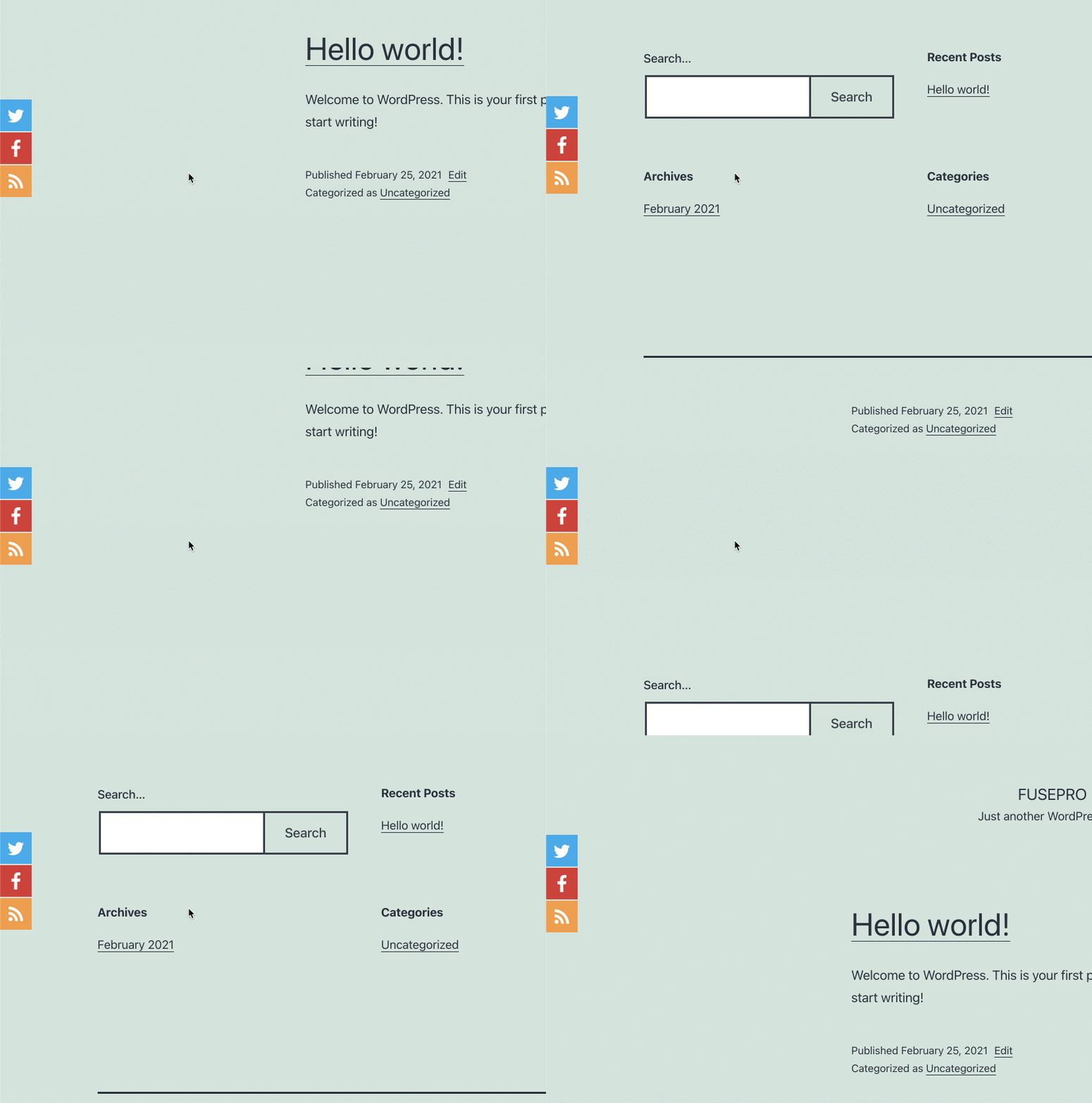
Sticky Social Icons 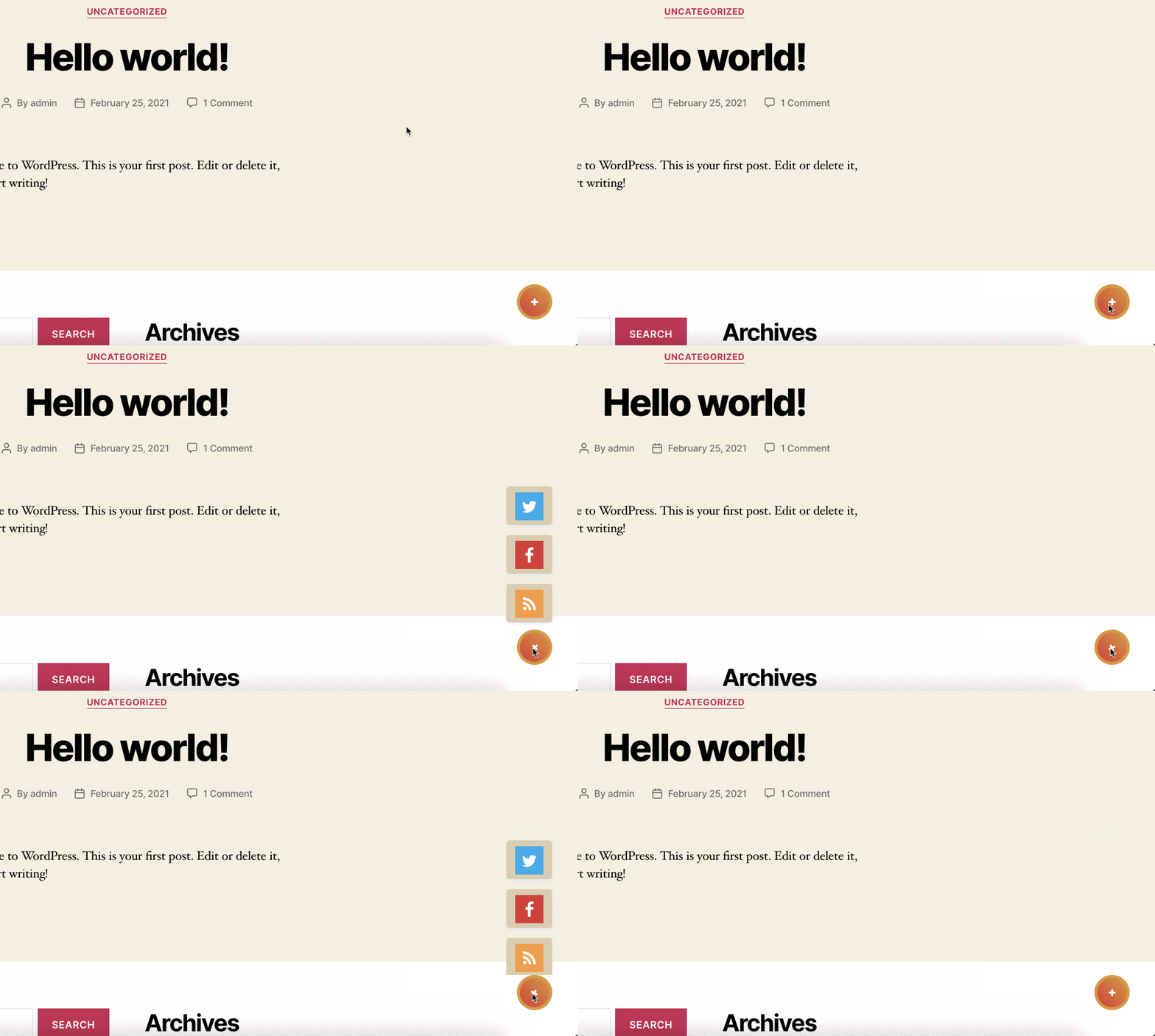
Action button allows you to social icons on click. 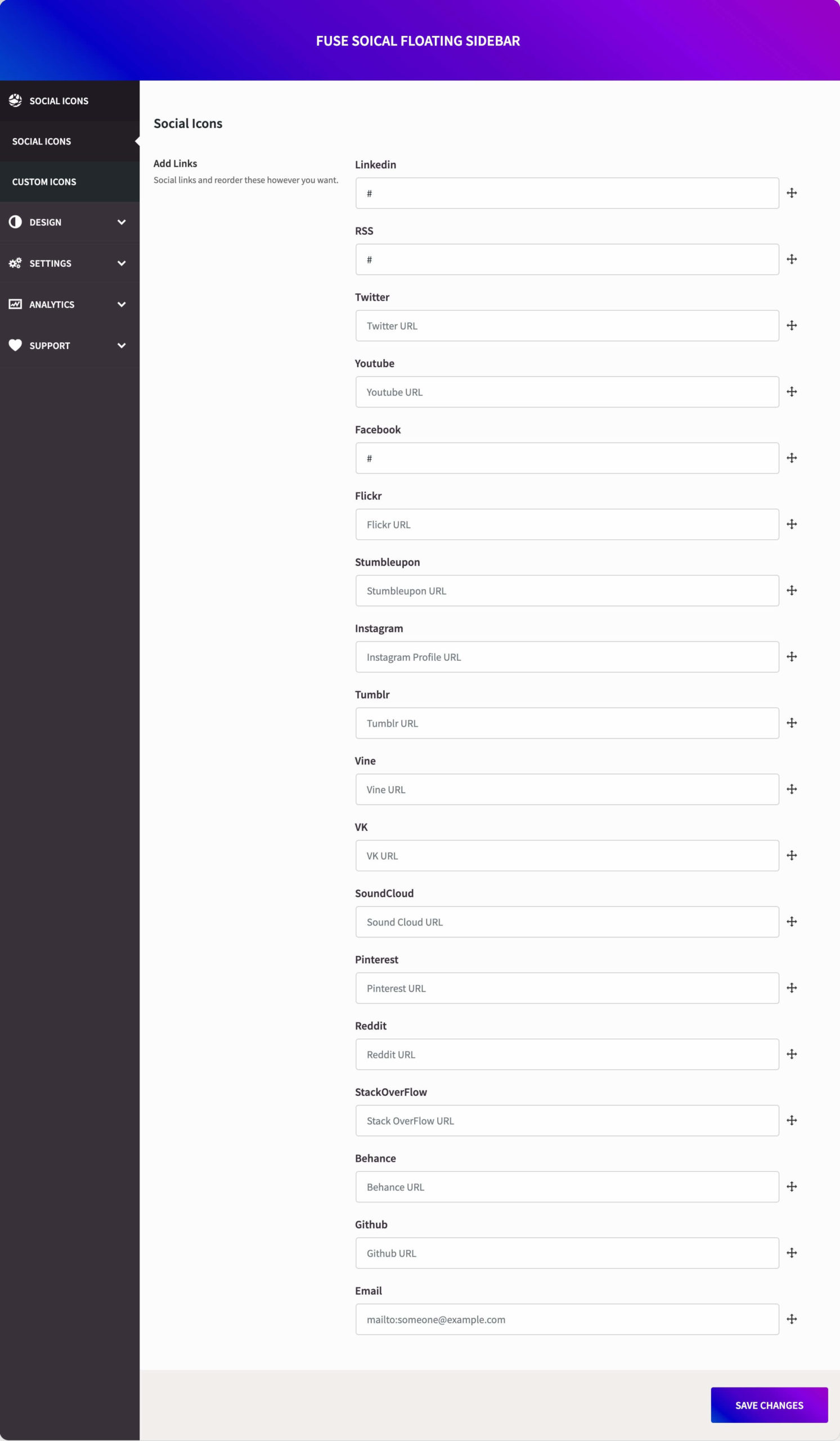
Add social media profiles links in these boxes. 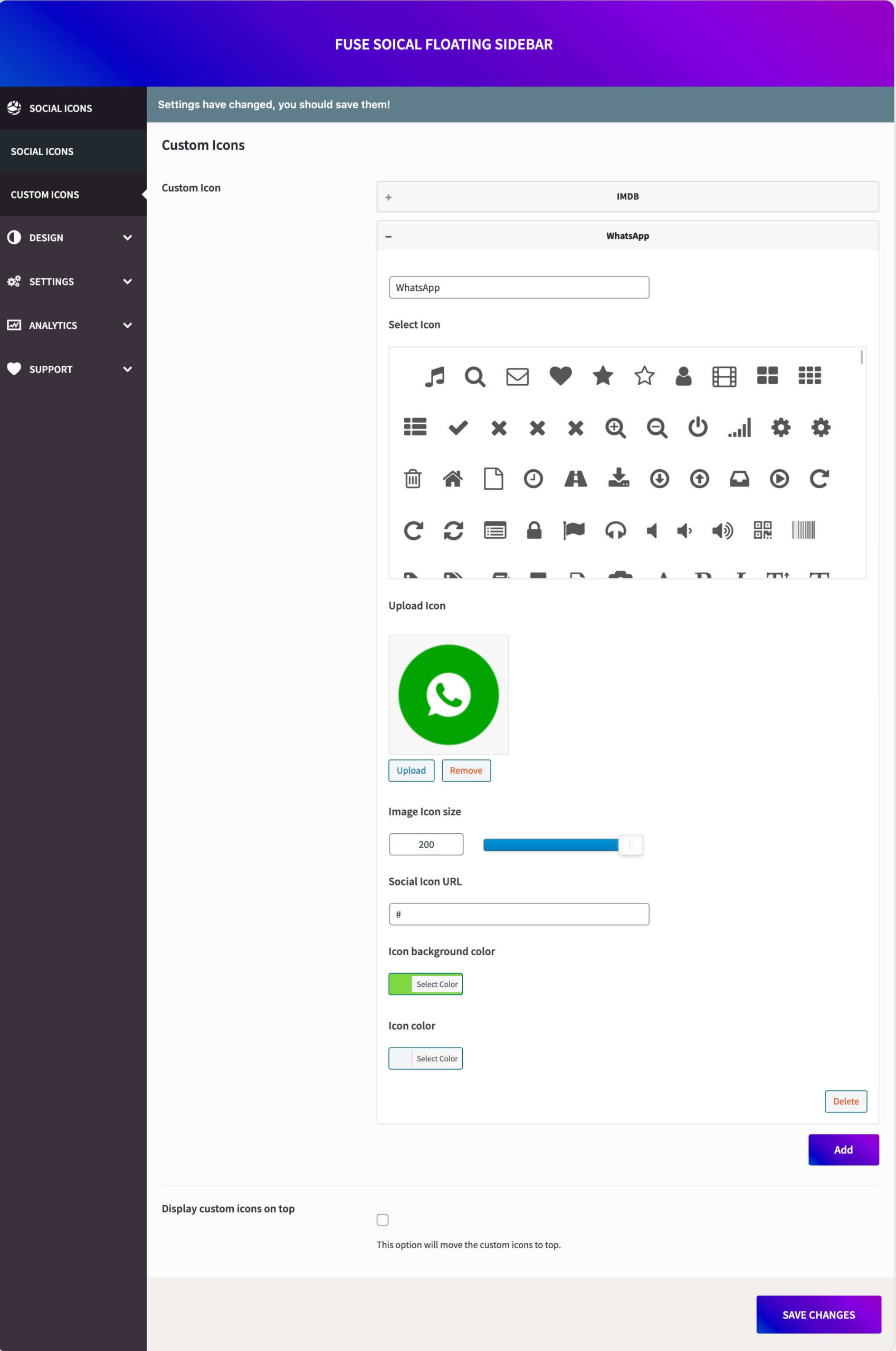
Select icons style, square/circle. Configure options, like an open link in a new tab, sizes, etc. 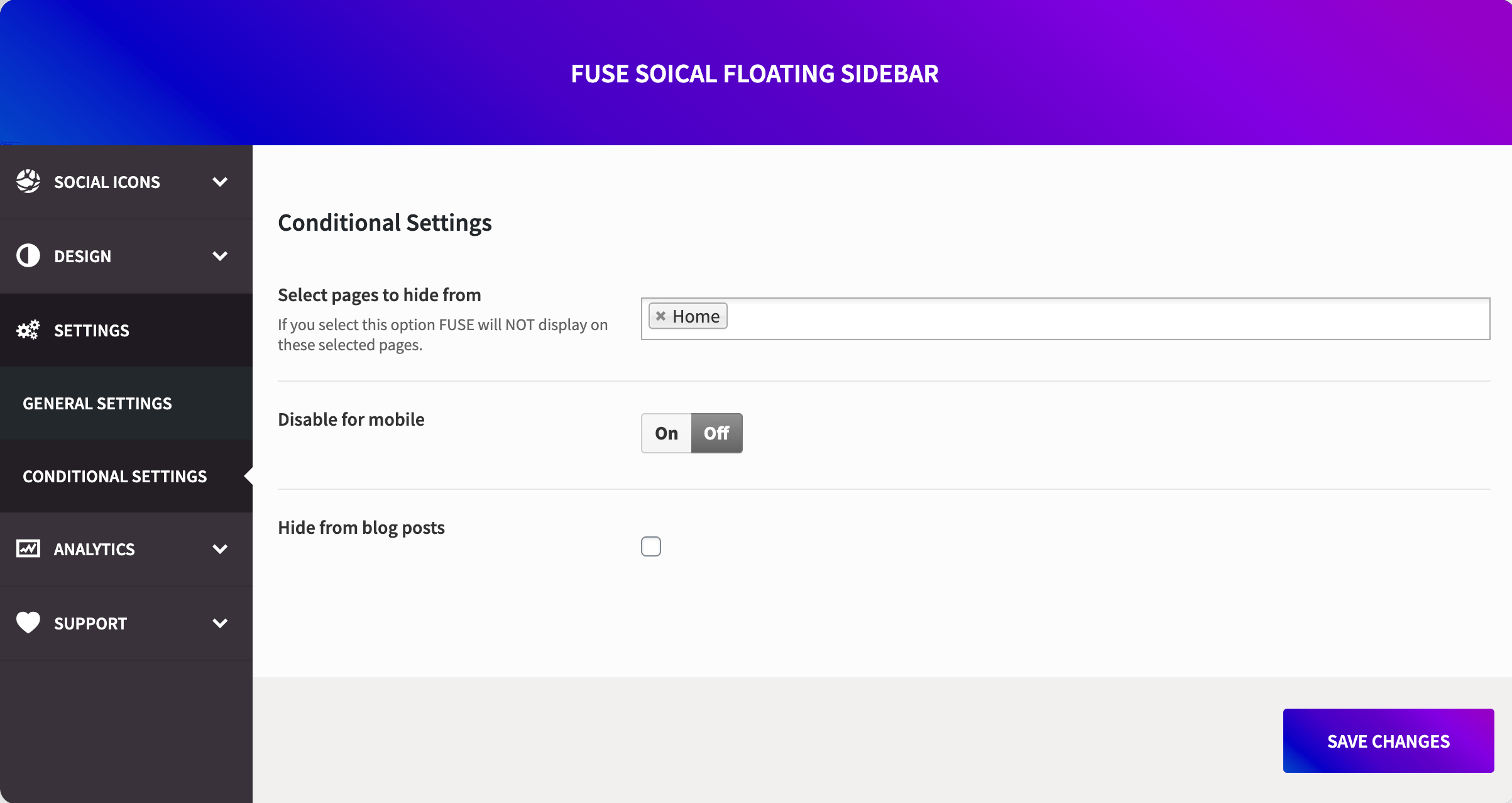
Add hover animation on icons. Put a number to make delay in animations. Like (0.5) 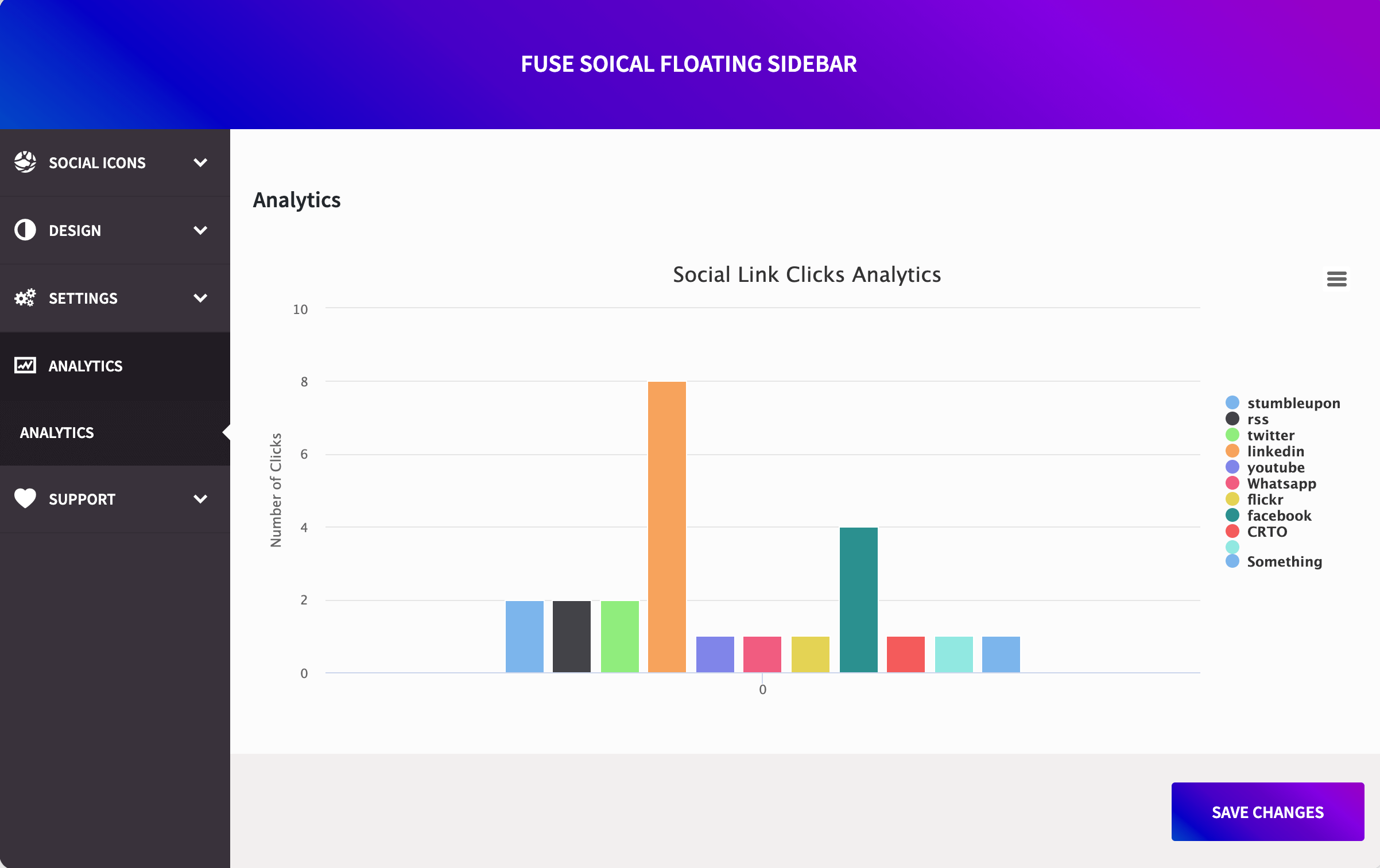
Instalación
- Upload the entire folder to the /wp-content/plugins/ directory.
- Activate the plugin through the ‘Plugins’ menu in WordPress.
- Go to the Settings menu. Under this, there will be the Fuse Social Menu (Settings>Fuse Social).
- Configure the settings by putting the URLs to your various social profiles. If you want to show Animation on hover, shadow, open the new tab and size, configure it in Awesome Social Settings.
Preguntas frecuentes
-
How to make icons animated?
-
Go to Settings>Fuse Social from the left side admin menu bar, then click on the Settings tab. Then click on Animation on hover, a text box will appear and then enter the value in seconds, like enter 0.5, and it will give the delay of 0.5 seconds in Animation.
-
Don’t want shadow in icons?
-
In settings, simply check ” Don’t use shadow in icons.” by default, it’s unchecked.
Reseñas


Colaboradores y desarrolladores
Este software es de código abierto. Las siguientes personas han contribuido a este plugin.
Colaboradores

Traduce "Fuse Social Floating Sidebar" a tu idioma.
¿Interesado en el desarrollo?
Revisa el código, echa un vistazo al repositorio SVN o suscríbete al registro de desarrollo por RSS.
Registro de cambios
1.0 – Official Release.
5.0 – Migrated to Redux Framework
5.4.1 – Fixed issues with PHP 8.0
5.4.2 – Added Scroll Position feature and small fixes.
5.4.3 – Small fixes with rel=”nofollow” attribute
5.4.7 – Security fixes and fixed the issue with Avada Builder
5.4.8 – Custom background color fix with the support of Ocean theme.
5.4.9 – Security patch for freemius
5.4.10 – Included threads icon